One tap. Then breathe.
One tap, then breathe. Time contractions on iPhone or Apple Watch, follow Live Activities and widgets at a glance, and keep every record private.
Download on the App StoreRequires iOS 26 or later. The Apple Watch app requires watchOS 26 or later.
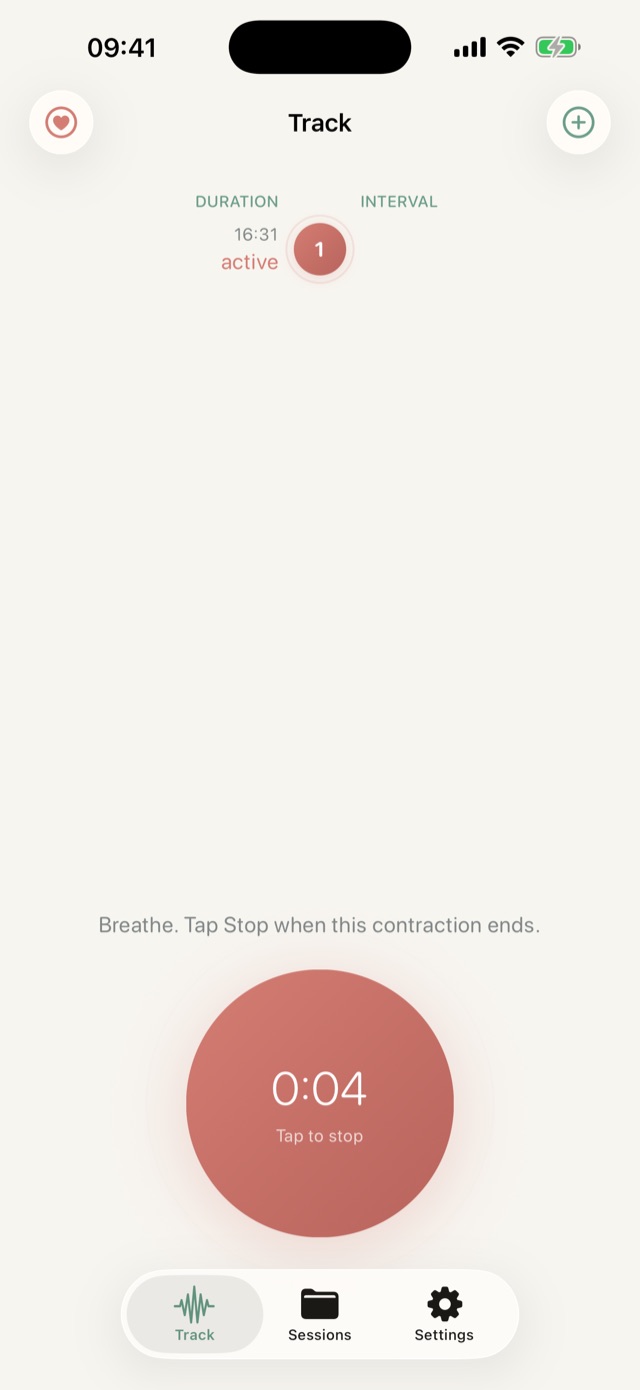
Two taps is the whole learning curve.
Tap when it starts
One tap begins the timer. No menus, no setup, nothing to read while you are breathing through it.
Tap when it passes
Present records how long it lasted, then the gap until the next one. The session builds itself.
Watch the pattern appear
Durations and intervals are summarised as you go, so the timing pattern your care team asked about is easy to see.
Built for one hand and a very short attention span.
Present: Contraction Timer is a calm, private timer for iPhone and Apple Watch, designed to be simple when your attention is needed elsewhere.
- One-tap contraction timing on iPhone and Apple Watch
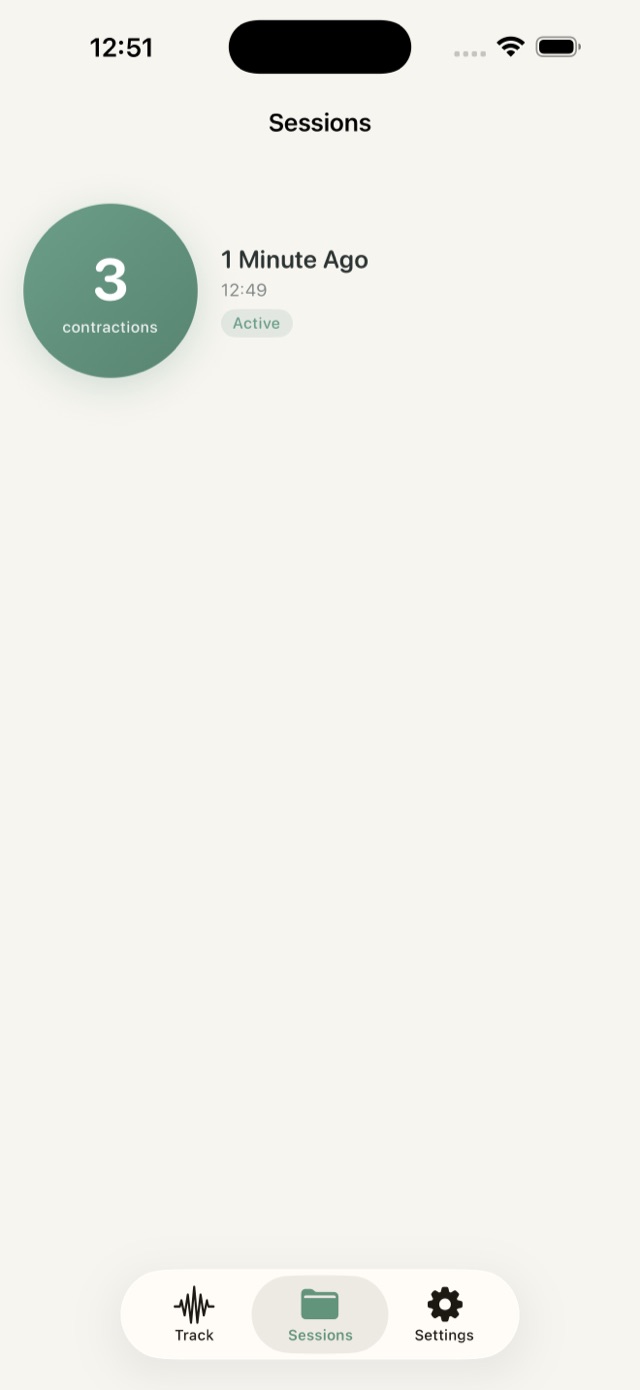
- Session history with duration and interval details
- Direct sync between your paired iPhone and Apple Watch
- 5-1-1, 4-1-1, 3-1-1, or a custom timing pattern from your care team
- Optional local reminders after a long gap
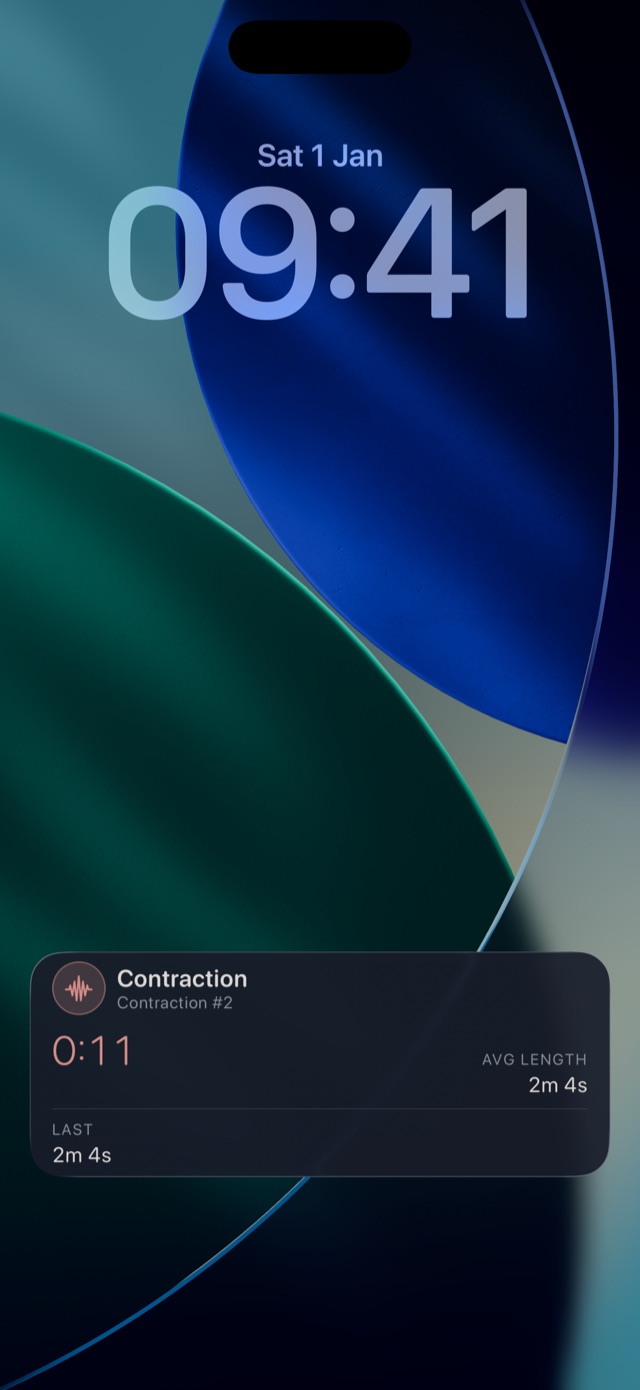
- Live Activities and Home Screen widget support
- PDF and CSV exports through Apple's share sheet
- No account, advertising, analytics, or developer-operated server
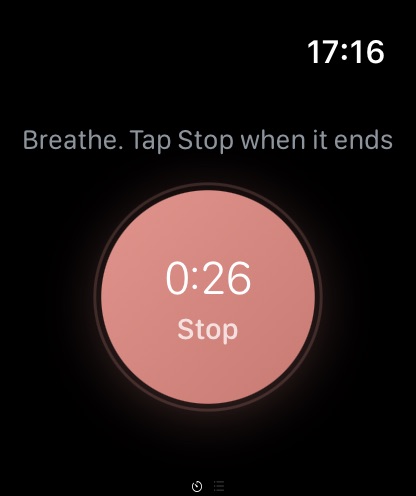
Time it from your wrist.
Start and stop from the watch when reaching for your phone is the last thing you want to do. Your paired iPhone and Apple Watch exchange sessions directly, so both show the same history.
- One-tap timing on the wrist
- Session history and summaries on watchOS
- Direct sync with your paired iPhone
- A gentle tap when your pattern matches
Use the pattern your provider actually gave you.
Care teams do not all use the same rule. Present lets you pick the one you were told to watch for, then shows you plainly when your recent contractions match it.
Five minutes apart, one minute long, sustained for an hour
Four minutes apart, one minute long, sustained for an hour
Three minutes apart, one minute long, sustained for an hour
Set your own interval, duration and sustained window
Present shows you when a pattern matches, and nothing more. What to do about it is your care team's call.
Your labour is nobody else's data.
Stored on your devices
Sessions, times, notes and settings live in local stores on your iPhone and Apple Watch.
Not in iCloud, not on our server
Contraction history is never uploaded to CloudKit or to any server the developer operates.
No account, no ads, no analytics
There is nothing to sign up for, and no third-party tracking of any kind.
You control every export
Files leave your phone only when you send them, to a destination you choose.
Hand your care team a clean record.
Export any session as a readable PDF summary or a detailed CSV, then send it wherever you like through the standard iOS share sheet. Exports taken mid-session are labelled as snapshots, so nothing reads as final when it is not.